Semantic Layer
Semantic Layer is a bundle of resources that adds meaning to data and allows agents to convert people's natural language questions into data queries. If you organize in advance what tables contain what and what the column values actually mean, the agent accurately solves natural language questions with appropriate data queries (text-to-SQL).
Semantic layer resources are gathered in the Semantic Layer submenu of the AI section of the sidebar, and are organized into three categories:
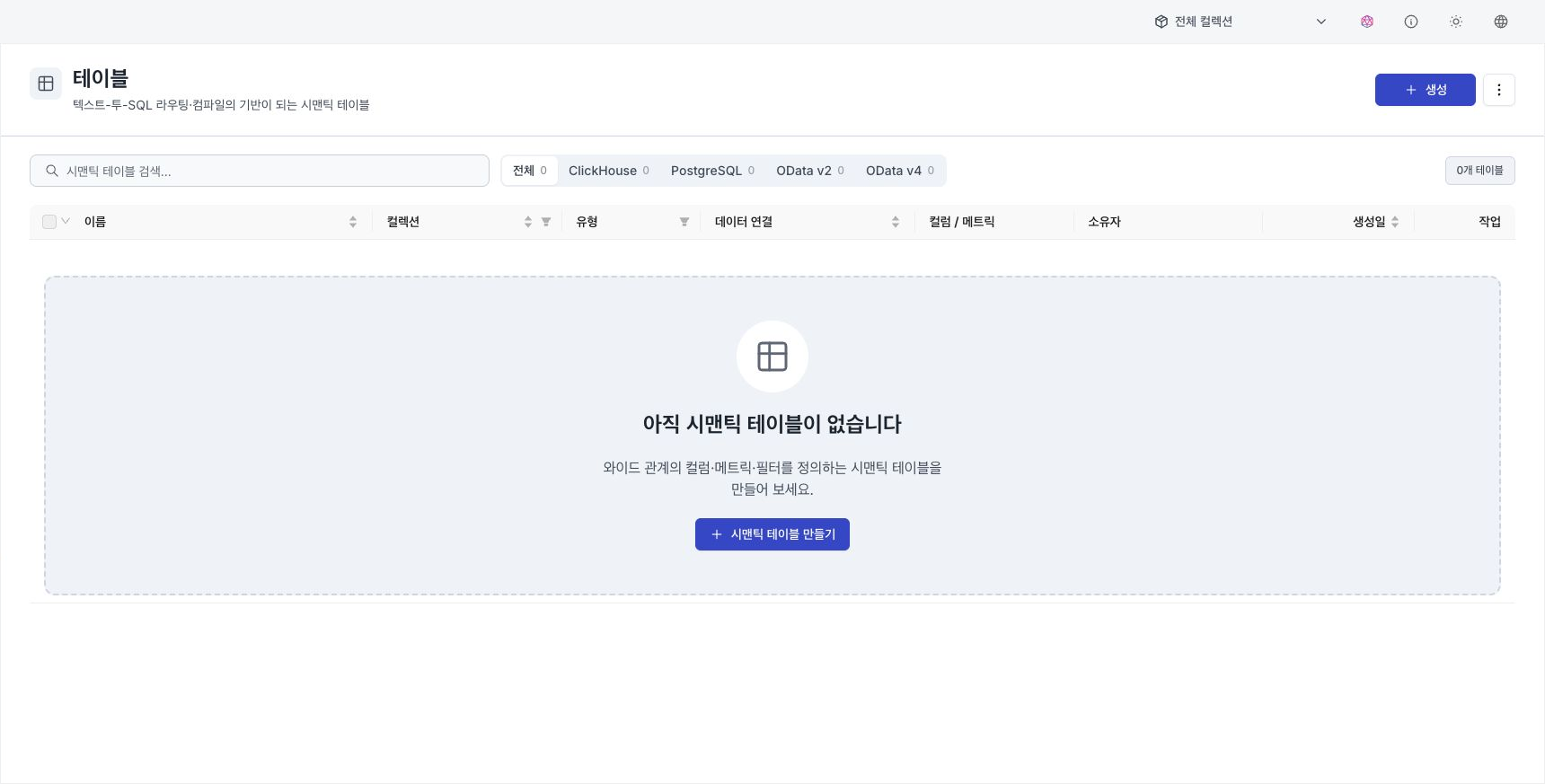
- Semantic Tables — Define columns, metrics, and filters used by natural-language questions.
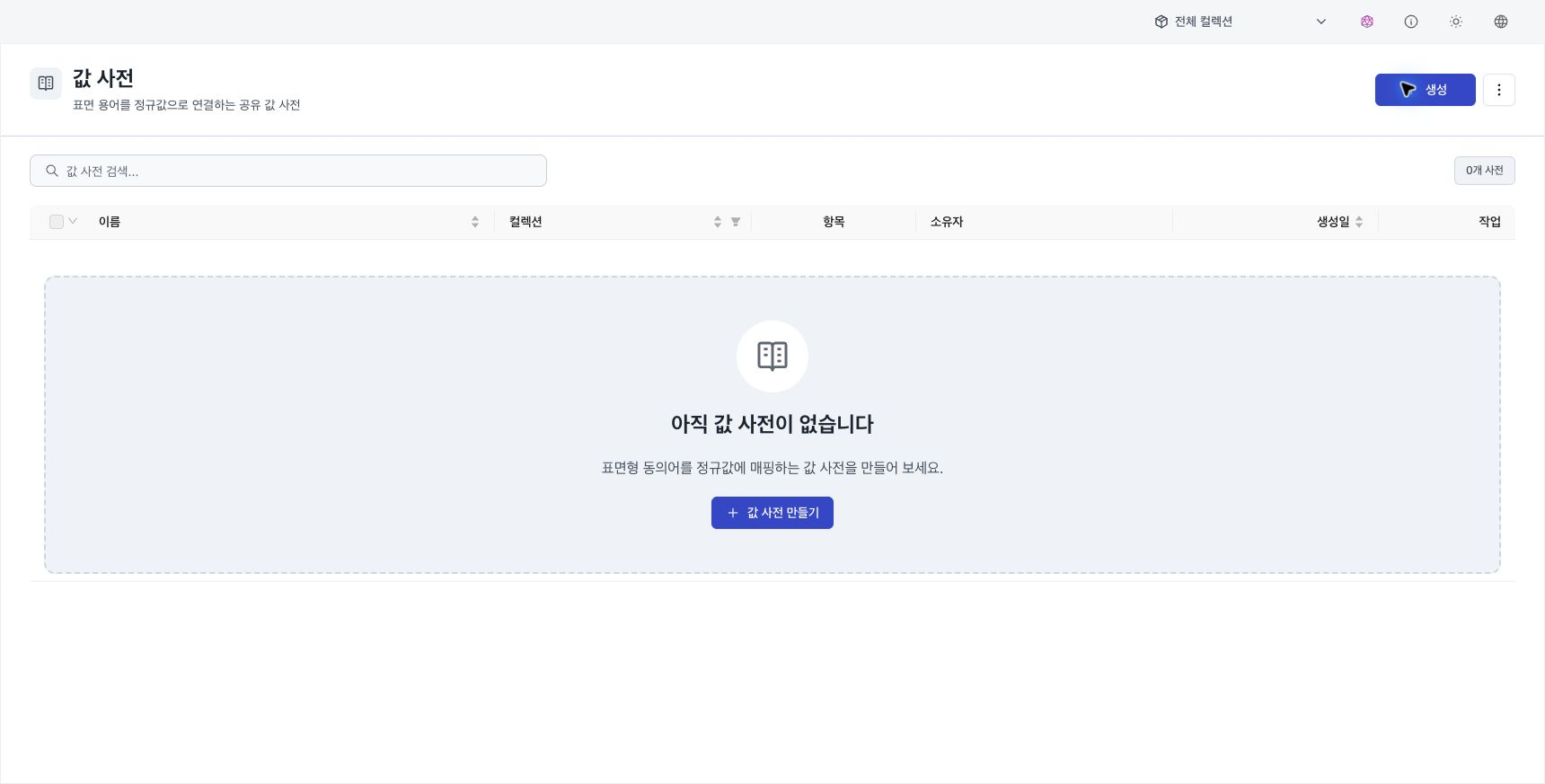
- Value Dictionaries — Link multiple representations of the same object to one canonical value.
- Query Templates — Save verified queries for frequently used questions.
All three resources are managed on a collection basis. In other words, a collection must be determined when created, and within the same collection, each other is referenced and registered with the agent.
Semantic tables
Table is a semantic table that defines a broad relationship as a semantic unit. It is not an exact copy of physical data. It describes columns, metrics, filters, and routing information so natural-language questions can target the correct data.
- Create: Select Create semantic table on the list screen. Select a collection and data connection and enter at least one routing description.
- Definition items: Configure routing and authoring instructions, related tables, columns, metrics, and filters in the editor.
- Use: The defined semantic table is the basis for text-to-SQL routing and query creation, and is designated as a data range that a specific agent can query through Register to Agent below.
See Create a semantic table for backend and data-connection settings, column properties, value dictionaries, and metrics.
Dictionary of values
Value dictionary groups multiple representations or synonyms of column values into one canonical value. For example, you can group Seoul City, Seoul Metropolitan City, and Seoul so the agent resolves any of them to the same value. A value dictionary is shared by semantic tables in the same collection.
Existing dictionaries are paginated in groups of 100. Save the current page before searching or changing pages. See Edit a value dictionary for bulk deletion, modification dates, CSV round trips, raw-value import, value-linking preview, and merge or replace policies.
Query template
Query Templates define question examples, slots, one or more subqueries, and calculation code. A template can be reused for similar questions. Only semantic tables in the same collection can be connected, and the query and run(frames) code are validated when saved. See Create a query template for slot and multi-query procedures.
Import and export
Import or export definition JSON from each semantic-asset list. Importing raw CSV or TSV values into a value dictionary differs from importing the complete asset definition. See Import and export AI assets for file limits and reference resolution order.
Register with agent
Once you have defined the semantic layer, you need to register which agent will use it to use it for natural language queries. Registration is done within Agent Builder.
- AI Agent Mode: In the competency (configuration) area of the builder, select and register Semantic Table and Query Template belonging to the agent collection.
- Workflow Mode: Register in the same way in agent settings.
Registration is curation that defines the scope of data that the agent can query in natural language. Since creating a semantic table (definition) and showing the table to a specific agent (registration) are separate, multiple agents can individually select and use a single semantic table.