Model serving
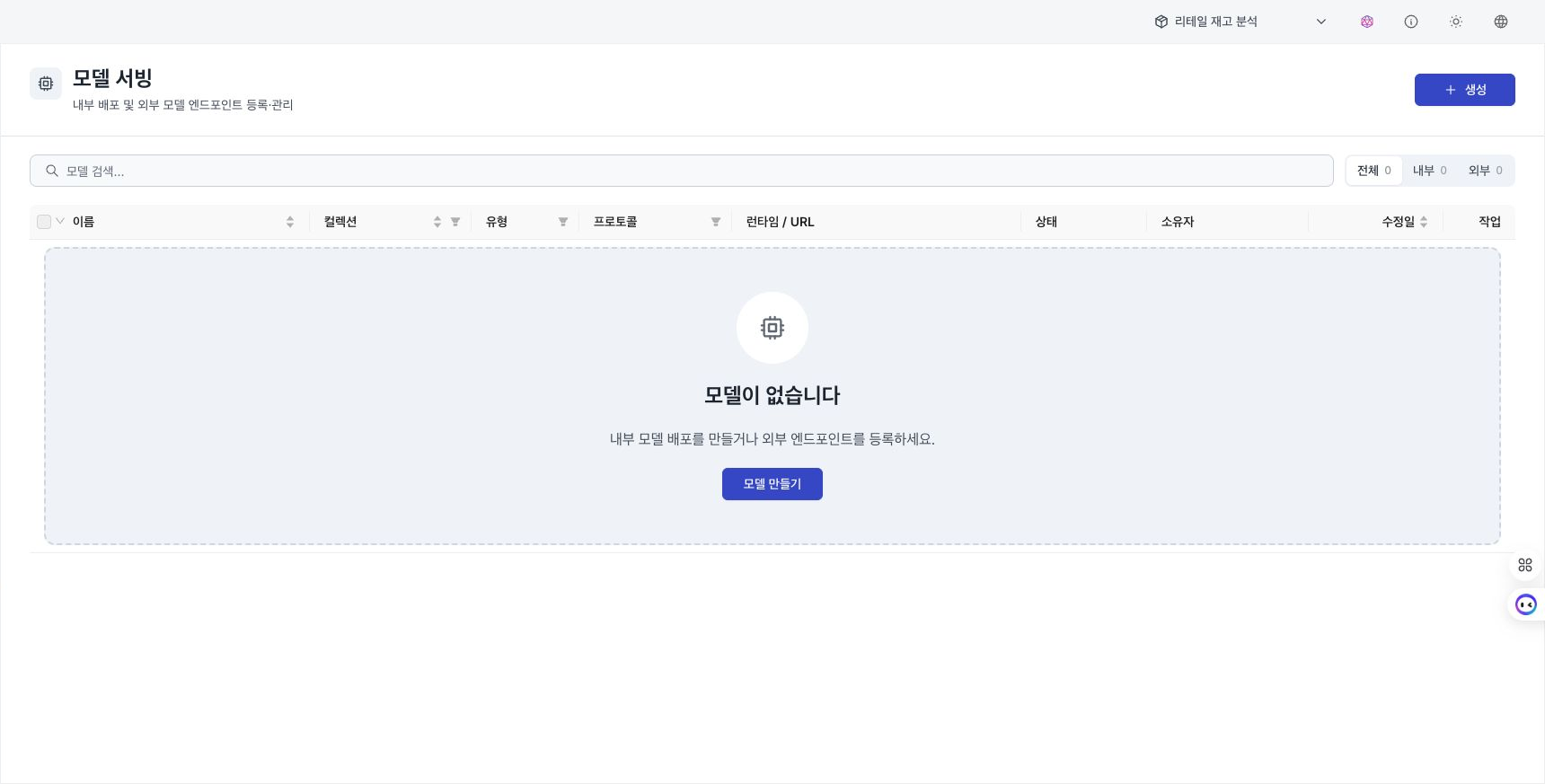
Under AI → Model Serving, operate models deployed by D.Hub and external inference endpoints. This menu is available to administrators and managers.
Distinguish model settings
| Screen | Purpose |
|---|---|
| Model Serving | Operate an internal container or external endpoint as a service. |
| LLM Models | Register language models that agents, workflows, and Knowledge AI Chat can select. |
| Assistant Models | Select the active model shared by D.Hub Assistant, AI generation, and reports. |
Review the list
Filter the list by Internal / External. Each row shows the name, invocation protocol, endpoint or image, readiness, and owner. Select multiple models to delete them in bulk.
Register an internal model
- Select Create model, then select Internal deployment.
- Enter the name, alias, description, and invocation protocol.
- Enter the container image, port, and replica count.
- Configure CPU, memory, GPU, and the health-check path.
- Review advanced runtime options as needed, then save.
Select OpenAI Chat / OpenAI Embeddings / Custom as the invocation protocol. Choose the protocol that matches the endpoint contract used by clients.
Register an external model
- Under Create model, select External endpoint.
- Enter the invocation protocol and external URL.
- Select the authentication method and required secret references.
- Save, then review connection information and readiness on the details screen.
Do not repeatedly enter authentication values as plain text. Reference a key stored under Secrets.
Check status
Under Overview in the model details, review readiness and replica status. If a replica is not ready, review the image, resources, health-check path, and deployment events, then check again.
Manage internal-model artifacts
Under Artifacts for an internal model, upload a ZIP file and review its versions.
- Pin the artifact version used by a deployment.
- A version referenced by the current deployment or another setting cannot be deleted until the reference is removed.
- After pinning a new version, confirm that readiness returns to normal.
Edit and delete
Use row actions to edit settings or delete a model. Deleting a model can break consumers of its endpoint. For an internal model, review running deployments and artifact references first. Bulk deletion reports success and failure separately for each item.