Introduction
D.Hub is a data platform for collecting and structuring data, defining its meaning, and connecting it to analytics and AI workflows. Collections organize datasets, code, pipelines, knowledge, dashboards, and agents, while ontologies model the meaning of and relationships between data.
Terms such as collection, ontology, entity, and modeling appear throughout the document. There is a page that summarizes what these terms refer to with examples.
- Core Concept — Explains what the components such as collections, datasets, and ontologies are and how they fit together, along with a relationship diagram.
- Glossary — Quickly look up terms used throughout the documentation.
If it's your first time, skim these two pages first and then come back to find the following content much easier to read.
What can you do?
| Purpose | starting point | representative guide |
|---|---|---|
| Organize data assets by project | Collection | Collection Overview |
| Upload and analyze CSV/JSON data | Dataset | Quick Start |
| Automate repetitive processing flows | Pipeline | Workflow Editor |
| Share results with charts and tables | Dashboard | Creating a dashboard |
| Convert documents into searchable and queryable knowledge | Knowledge Management | Knowledge Management |
| Model the meaning of and relationships between data | Ontology | Ontology Overview |
| Automate tasks by connecting an LLM to tools | Agent | Agent Overview |
If this is your first time, where do you start?
Depending on your role, your path to the first 5 minutes will vary.
| Role | Recommended starting point | Results you get |
|---|---|---|
| Data Analyst | Data Analyst Learning Path | Create your first dashboard widget on top of the sample data. |
| Data Engineer | Data Engineer Learning Path | Model datasets as entities and view them in graphs. |
| Administrator | Administrator Learning Path | Set user, group, and collection permissions once. |
If you haven't decided on a role yet, follow the path from data upload to a dashboard in Quick Start.
First screen before logging in
The first thing you see when you access D.Hub is the public introduction screen (/). Anyone can view it without having to log in, and it shows what the product does at a glance. Click the Login button at the top of the screen to go to Login screen.
How to use docs site search
For the docs site you are currently viewing, you can directly find page, header, and body keywords in the search box at the top right of the screen.
- Shortcut:
⌘K(macOS) ·Ctrl+K(Windows) — Move to the search bar from anywhere on the screen - Search Scope: You can narrow your search results to API Reference · Technical Reference · All (selection menu next to the search bar)
- Result Highlight: When you click on a search result, the word you were looking for is highlighted on the page you went to.
- Language: Both Korean and English documents are subject to search, so once entered, results in both languages will appear.
The global search (search window for finding data assets, ontologies, and agents) in D.Hub Product is separate from the docs search. For more information, refer to Global Search.
Next steps
- Log in: Learn how to access the platform.
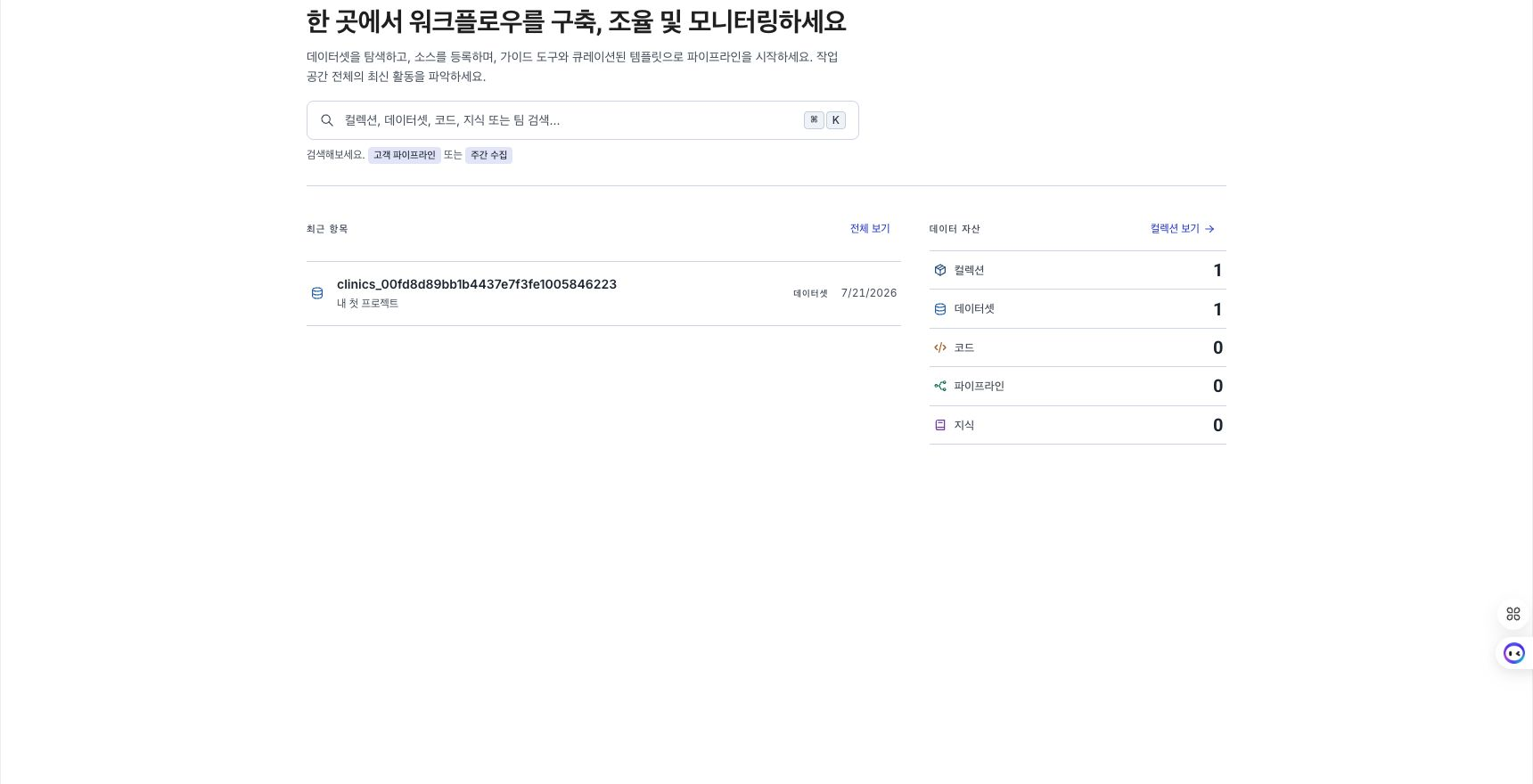
- First Screen Tour: Take a look at the basic configuration of the home screen.
- Core Concept: First understand key resources and relationships.