Overview
An ontology defines dataset rows as entities such as customers, products, and orders and connects relationships between them. Use an ontology when you need to query multiple datasets with the concepts and names used by the business.
Core concepts
| Concept | Description | Example |
|---|---|---|
| Entity | A business object managed as a distinct type. | Customer, product, order |
| Relationship | Defines how two entities are connected. | Customer places order, order contains product |
| Property | A data field on an entity or relationship. | Customer ID, order date, quantity |
| Identity key | A column that distinguishes each data row. | customer_id, order_id |
| Display column | A column shown as the representative name in lists and graphs. | Customer name, product name |
| Storage mode | Determines whether relationship data is stored in a link table, foreign-key columns, or through an intermediate entity. | Customer foreign key on an order |
| Cardinality | Limits how many instances on either side can be connected. | Many orders connect to one customer |
| Instance data | Actual rows loaded according to an entity or relationship schema. | Customer row, order relationship row |
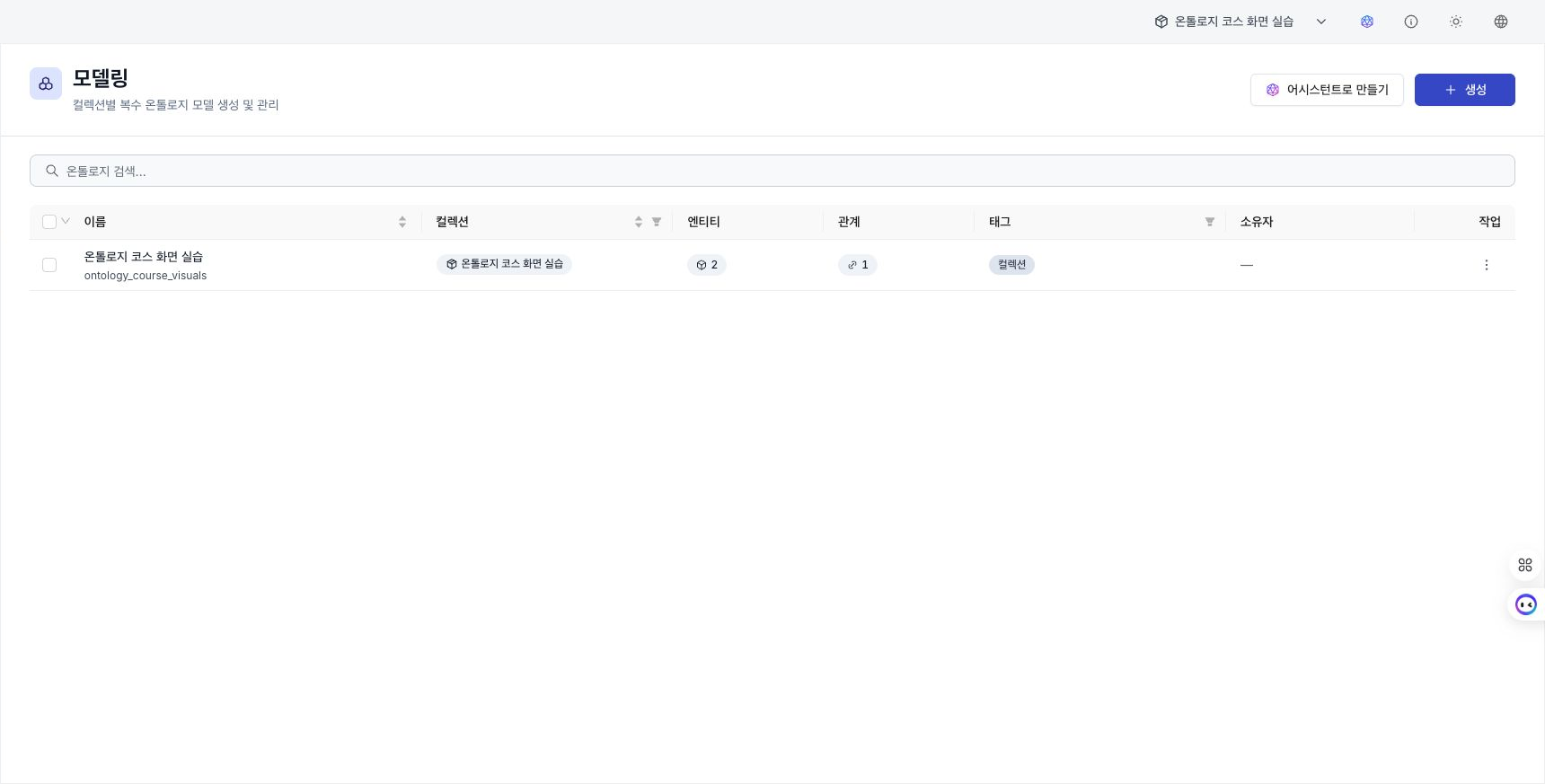
A collection can contain multiple ontology models. In the left panel under Modeling, find models by collection and edit the current model's entities, groups, and relationships. Entities from other models are available read only for structural comparison.
When several ontology rows are selected, Delete applies only to models you can delete. Within a model, select several entities to assign their groups together. To remove all entities and relationships from a model, use Reset ontology data.
Create an ontology
- Select the collection to work in from Ontology Builder.
- Create an entity and set its name, properties, identity key, and display column.
- Create relationships between entities and set their direction, storage mode, cardinality, and properties.
- Upload a file on the Data tab or load data through a pipeline.
- Review loaded rows on the Data tab.
- In Graph Explorer, select an entity or relationship to query actual connections.
After creating an entity or relationship, you cannot directly change an existing property's name, type, or nullability, or change the identity key. Compare the source dataset columns with the identity key before creation.
Review data
Select Data in an entity or relationship row in the Modeling list to review rows from its mapped dataset. The display column appears as the representative name and the identity key distinguishes each row.
In Graph Explorer, select an entity or relationship type to query connected data. Select a result node or edge to review its properties.
If source changes do not appear on the ontology screen, ask an administrator to review synchronization status. An administrator can run synchronization under Ontology mirror maintenance in Settings.
Continue
- Use Ontology Builder to create entities and relationships.
- Edit a schema to define properties and identity keys.
- Explore the graph to query connections in loaded data.