Defining Relationships
Define and manage relationships, which are semantic connections between entities.
Creating Relationships
[Screenshot] Relationship Definition (Canvas View)
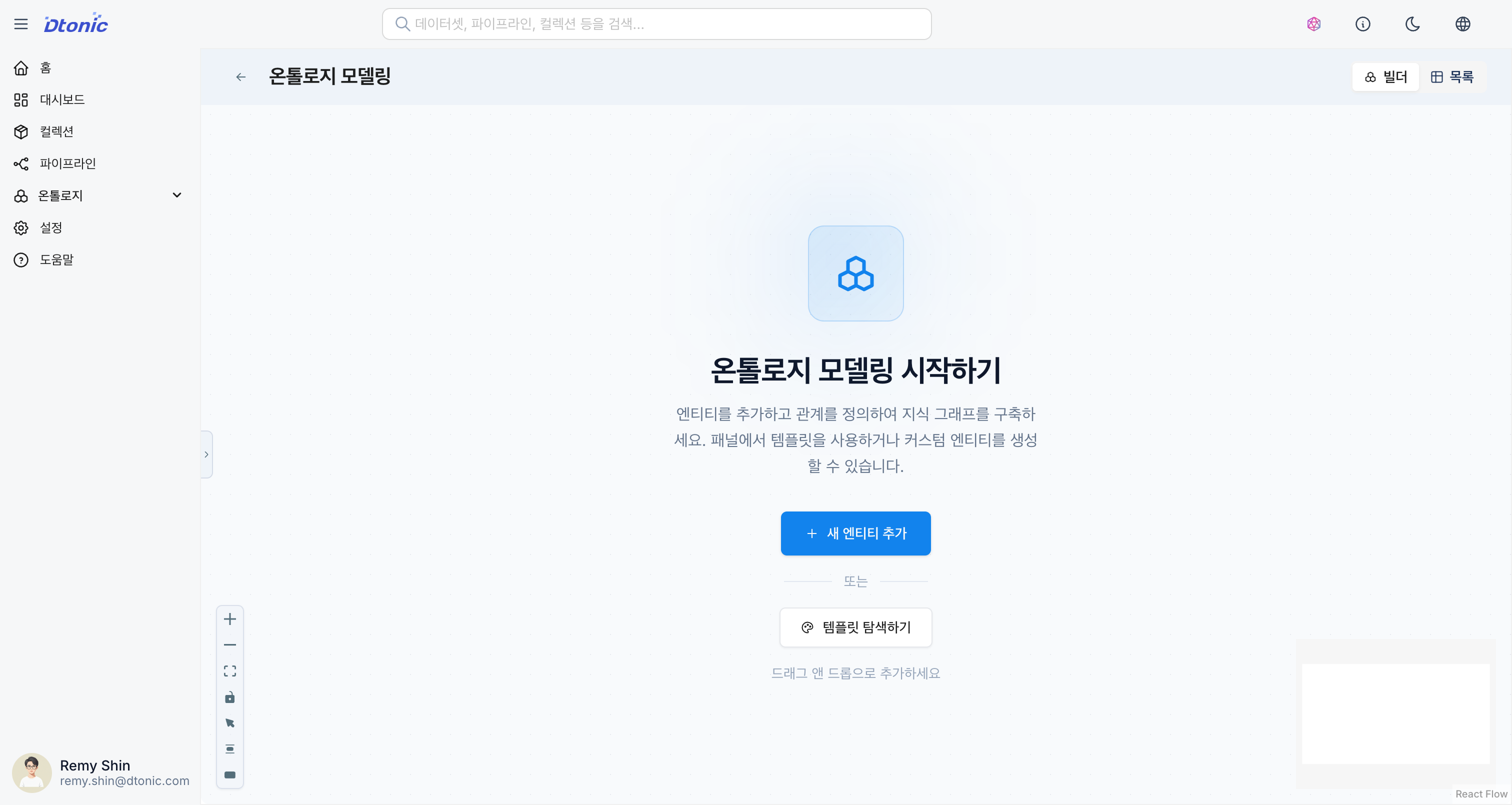
You can intuitively create relationships in the Builder's canvas view.
- Start dragging from the source entity and drop on the target entity.
- A relationship configuration popup opens.
Relationship Properties
- Source Entity: The starting point of the relationship (subject)
- Target Entity: The endpoint of the relationship (object)
- Type: The name of the relationship (e.g.,
KNOWS,CONTAINS). This is the type name used in Cypher queries. - Description: A description of the relationship
Constraints
You can set constraints to specify the characteristics of a relationship. (Coming soon)
- 1:1: One-to-one relationship
- 1:N: One-to-many relationship
- N:N: Many-to-many relationship
Editing and Deleting Relationships
- Click an edge (connection line) on the canvas to display its detailed information in the right panel.
- You can modify the relationship type or description from the panel.
- Select an edge and press the
Deletekey to delete the relationship.