Managing Entities
An Entity is a core component of an ontology. This section provides a detailed guide on creating entities and defining their properties.
Defining Entity Properties
When creating or editing an entity, configure the following items.
Basic Information
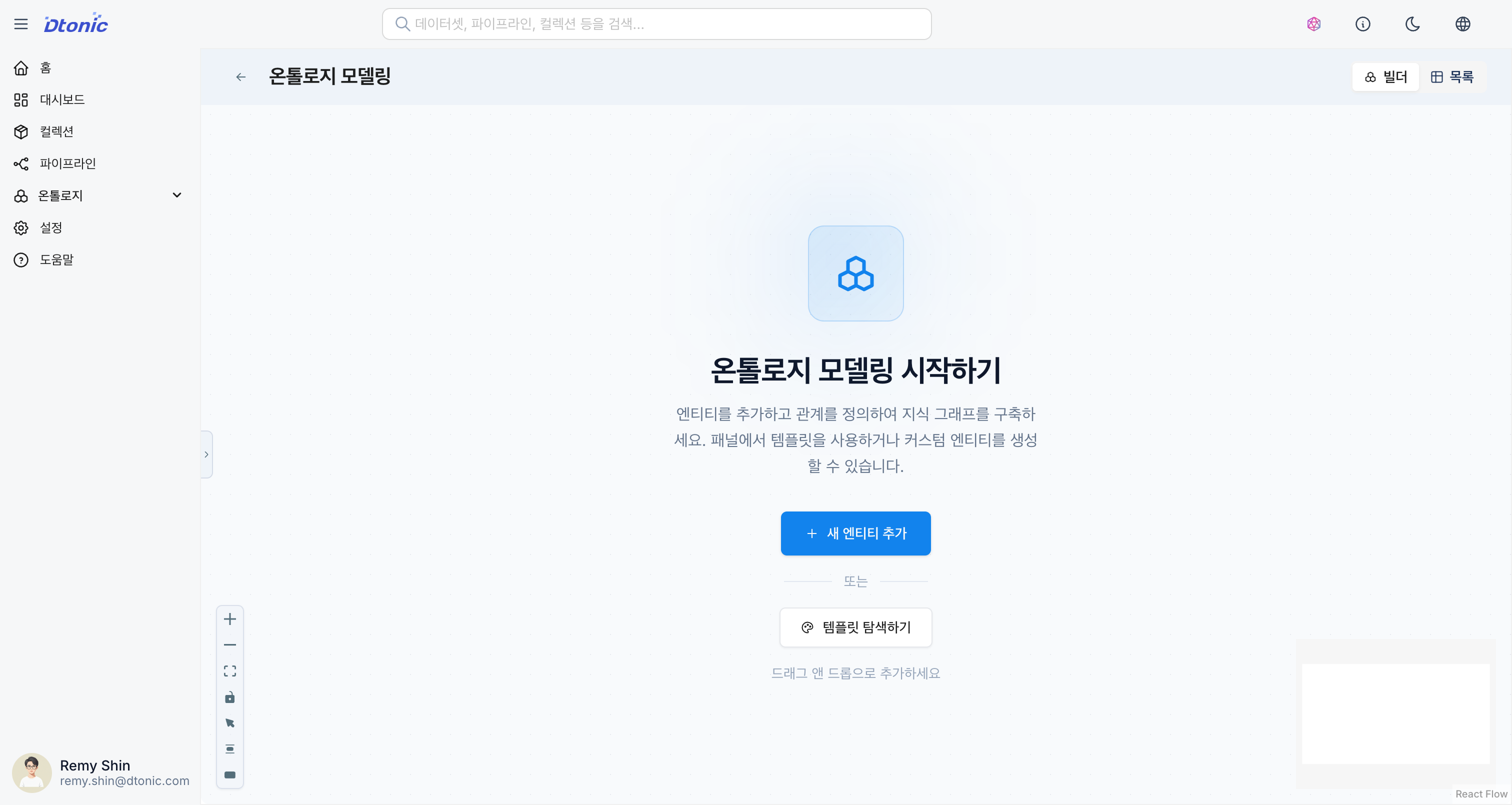
[Screenshot] Entity Management Screen
- Name: Entity name (required, uppercase English recommended)
- Description: A description of the entity
- Collection: Specify the collection the entity belongs to.
Schema
Define the properties that the entity will have. These should match the column structure of the dataset to be linked.
- Name: Property name
- Type: Data type (Text, Integer, Float, Boolean, Date, Timestamp, etc.)
- Primary Key: Whether the property is a key that uniquely identifies the entity
- Nullable: Whether the value can be empty
Dataset Mapping
After defining an entity, you can map it to a Dataset containing actual data. Once mapping is complete, the dataset's data can be converted into knowledge graph nodes and loaded.
- Select the Mapping tab in the entity detail panel.
- Select the dataset to connect.
- Map entity properties to dataset columns on a 1:1 basis.