Template Creation Overview
In D.Hub, you can quickly and easily create standardized datasets, code, and knowledge through the Template Wizard. The template wizard guides you through complex configurations step by step and assists with metadata entry through AI features.
How to Access
[Screenshot] Accessing the template wizard (collection creation)
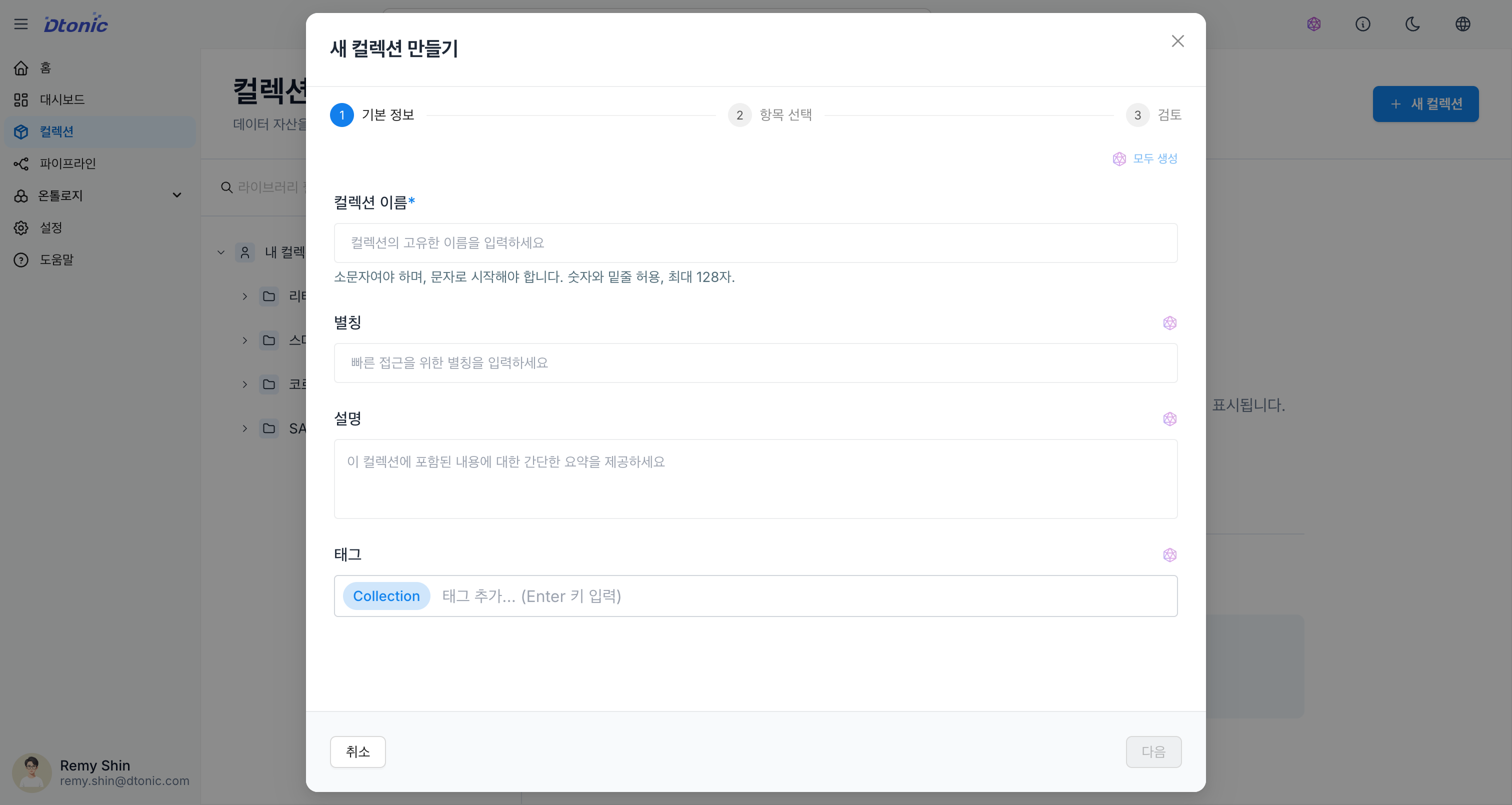
The template wizard can be launched from the following locations:
- During collection creation: Click the Create New button at the 'Select Items' step of the collection creation wizard
- When adding items: Click the Create New button in the 'Add Items' dialog of an existing collection
- From the pipeline workflow: When creating a dataset or code in Draft mode from the pipeline editor
Supported Types
The resource types that can be created through the template wizard are as follows:
1. Dataset
Includes schema definitions for data storage and integration.
- Delta: High-performance data lakehouse storage
- Kafka: Real-time data streaming topic integration
- DDS: Distributed Data Service integration
- REST: External REST API data source connection
2. Code
Write logic for data transformation and processing.
- Python: General-purpose data processing and analysis scripts
- SQL: Database query and transformation logic
3. Knowledge
Perform unstructured document and RAG (Retrieval-Augmented Generation) based knowledge management.
- Vector store settings: Specify embedding model and chunking options
- Text index settings: Configure full-text search index
The Pipeline type is displayed on the wizard card, but since it can only be created in the pipeline editor (Editor), it is disabled in the wizard.
Common Features
The following features are commonly available across all resource type creation processes:
- AI auto-completion: When you enter a name, AI automatically suggests a Description, Alias, and Tags.
- Automatic validation: Validates name rules, required field omissions, and more in real time to prevent errors.